Distribute everywhere
One platform, every channel. Publish once and reach your readers and listeners wherever they are: in podcast apps, on social video and across the web, automatically.
Every playlist can be a podcast
Turn a playlist into a feed and your audio is syndicated to every major podcast platform, with the metadata, artwork and episode details each one needs.
Feeds follow RSS 2.0 and Podcast 2.0, every file carries ID3 tags, and new episodes sync on their own.
 Apple Podcasts
 Spotify
 Pocket Casts
 Any RSS app
A player on the page, a playlist for the drive
The embedded player sits on each story, and smart playlists update as you publish. Both play on your site and on phones, and playlists work over CarPlay.
Embed them anywhere: your website, your newsletters and your social posts.
Set it up once, then just publish
Connect your platforms
Link your podcast and social accounts once.
Publish your content
Create and publish the way you normally would.
Everlit distributes it
Each story syncs to every connected platform, in the format that platform expects.
Everything distribution covers
Podcast
- RSS feed generation: industry-standard RSS 2.0 feeds with all required podcast tags
- Instant updates: new episodes appear on all platforms within minutes
- Metadata management: automatic title, description and artwork optimization
Social video
- Multiple aspect ratios: 16:9, 1:1 and 9:16, generated automatically
- Direct platform integration: publish straight to YouTube, Instagram, Facebook and Threads
- Made for mobile: formatted for Instagram Reels, YouTube Shorts and TikTok
Across both
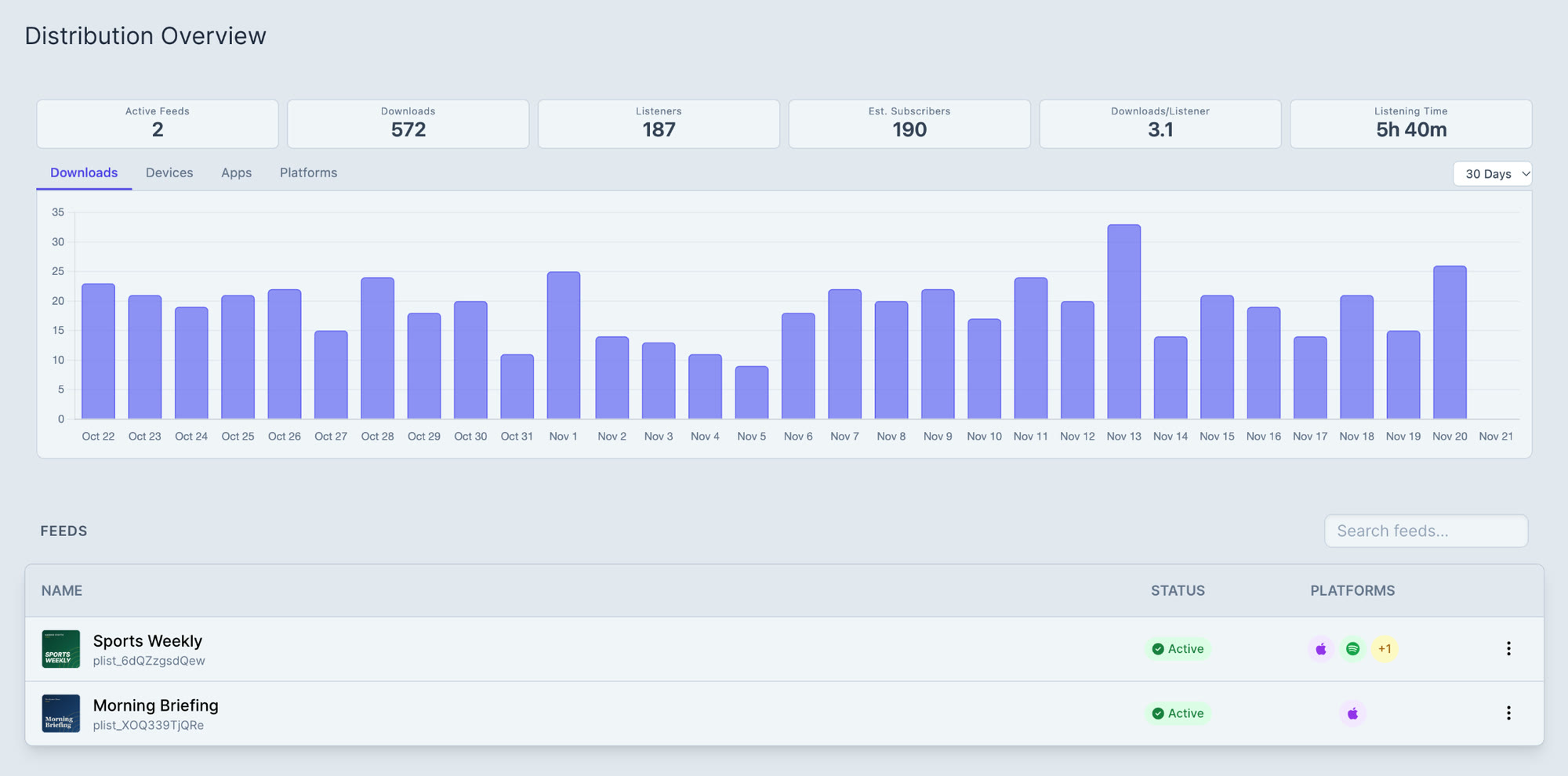
- Cross-platform analytics: one view of performance on every platform
- Episode scheduling: schedule a release on all platforms at once
- One-click publishing: send a story to every connected platform in a single action
Put your stories where people already listen.
Tell us what you publish and a person on our team will reply within one business day.
Social video in every shape
Everlit renders each story as video in horizontal (16:9), square (1:1) and vertical (9:16) formats, with sentence-by-sentence subtitles, sized for Instagram Reels, YouTube Shorts and TikTok.
Publish straight to YouTube, Instagram, Facebook and Threads.
Pick the part worth hearing
Each video starts from the story's own narration. Choose 30 seconds, a minute, two minutes or the whole piece, then drag across the waveform or highlight sentences in the transcript to set exactly which part plays.
Or switch to a summary: Everlit writes a short script from the article and reads it in the same voice, and you can edit the words before they are spoken. Add a spoken intro or outro if you want one.
Choose a look that moves
Use one full-screen image, a split screen or album art, or pick an animated template that works through several images: grids, side-by-sides, a spotlight, a slideshow, bold captions or a quote card. Everlit fills it from the article's images, and you can add your own images or video clips.
Then set the headline, logo, waveform, slow zooms and pans, and subtitles, word by word or sentence by sentence with the spoken word highlighted. Change all three shapes at once, or fine-tune one.
Post it where your readers scroll
Tick where each video goes: YouTube, Instagram as a Reel or a Story, Facebook as a post, Reel or Story, and Threads. Everlit posts to the accounts you have connected, each in the shape that platform expects.
Every destination keeps its own caption, and Everlit can write them for you. You can also download the files, or send the video to your WhatsApp subscribers.